Cart 0
How to choose the best projector for your event
When buying a multimedia projector, many people have an excellent idea of what the equipment is required for, but are not familiar with the technical specifications of the devices, as well as the terms. Among the hundreds of different models of expensive projectors on the market, it is a difficult task to make an informed choice.
What is a multimedia projector?
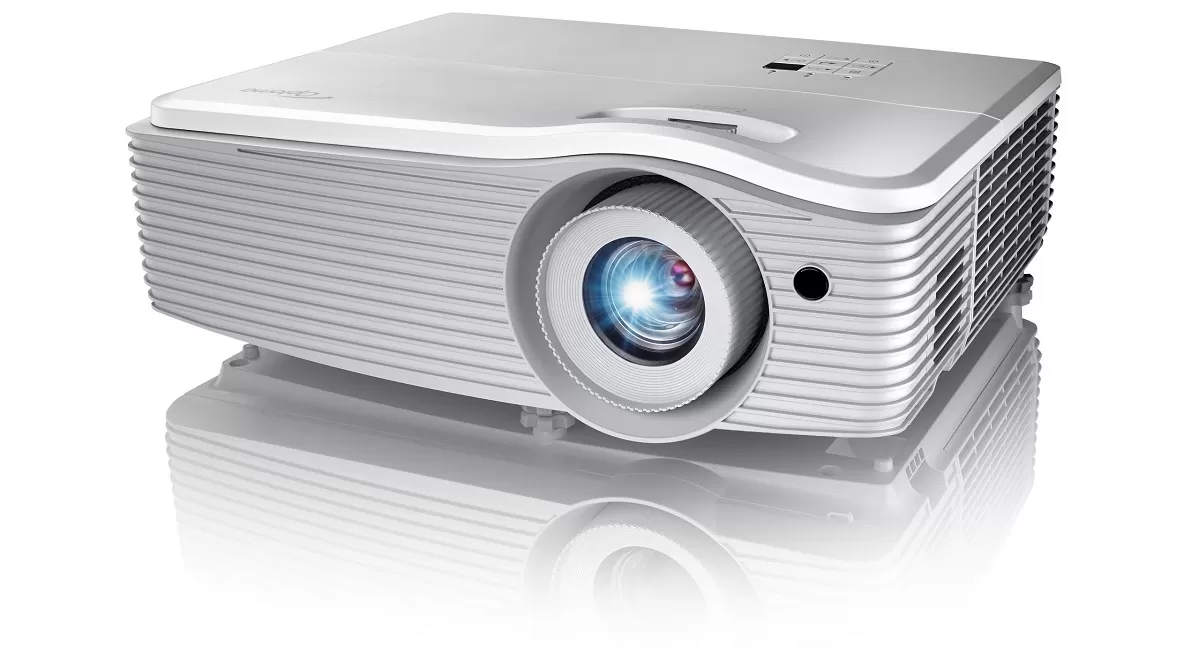
Multimedia projectors are devices that project information onto large screens. The devices can transmit information from PCs or laptops, video cameras and other equipment.
The equipment is classified by its functionality as follows:
- For home. They are used for watching home movies, games. Such projectors play dynamic content (“live” video).
.
- For entertainment. They are used in the entertainment industry (movie theaters). They are used for both static and dynamic content.
- For business. Designed for business, as well as education. They are used for both static and dynamic content.
There are also ultra-miniature devices that weigh less than 500 grams.
How to choose the best projector for an event?
.
Before choosing a projector, you need to determine the basic requirements for the equipment. The first point is the size of the audience. If the presentation is planned for a small group of 10-20 people, you can limit yourself to an inexpensive basic model. For large auditoriums for 100-200 people, you will need a projector with a wide-angle lens and high brightness.
One of the most mentioned characteristics of multimedia projectors is resolution. The higher the resolution of the device, the higher the image quality, but it is worth remembering the specifics of certain video or photo materials, as well as other equipment that is used in the presentation (computers, monitors, projection screens).
Dealing with the issue of supporting video image formats, the projector can be connected in two ways at once, depending on the specific situation. If you connect the device to a PC or laptop, it will simply retransmit the picture from one screen to another. If you insert a memory card or USB flash drive into the projector, their internal processor will turn on and the device will start recognizing files. For example, projectors can recognize AVI files.